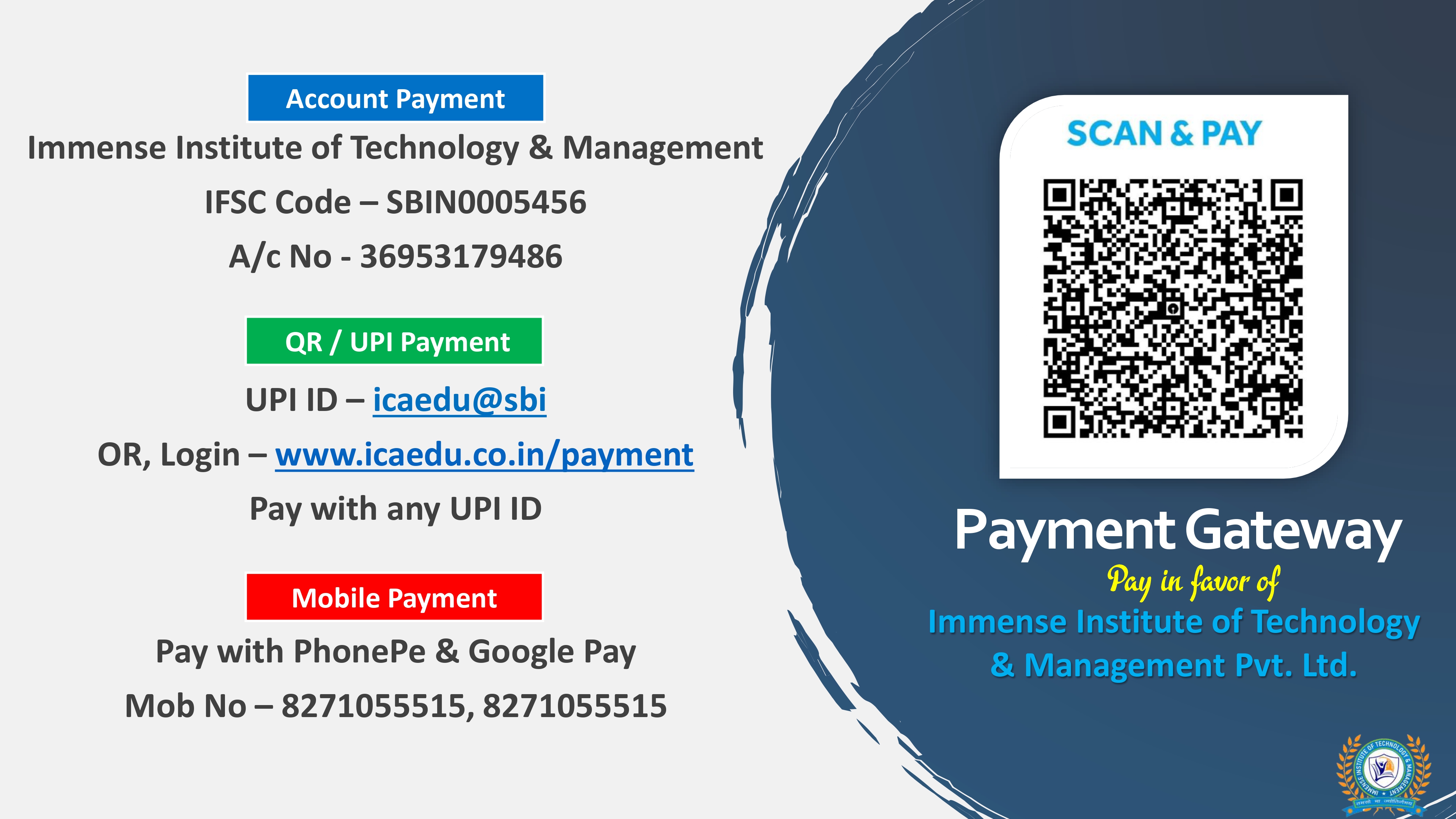
Scan to Pay
✓ Secure Payment
How to Pay
Quick & Easy Payment Steps
1
Open Your UPI App
Open Paytm, Google Pay, PhonePe, or any UPI-enabled app on your phone.
2
Scan the QR Code
Use the "Scan & Pay" option in your app and scan the QR code shown here.
3
Enter Amount & Pay
Enter the exact amount as per your invoice and confirm your payment securely.
✓
Save Your Receipt
Take a screenshot of the payment confirmation for your records.
⚠️
After payment, please email your payment screenshot to our admin team or share it on WhatsApp for faster processing of your application.